User Guide & Help Center
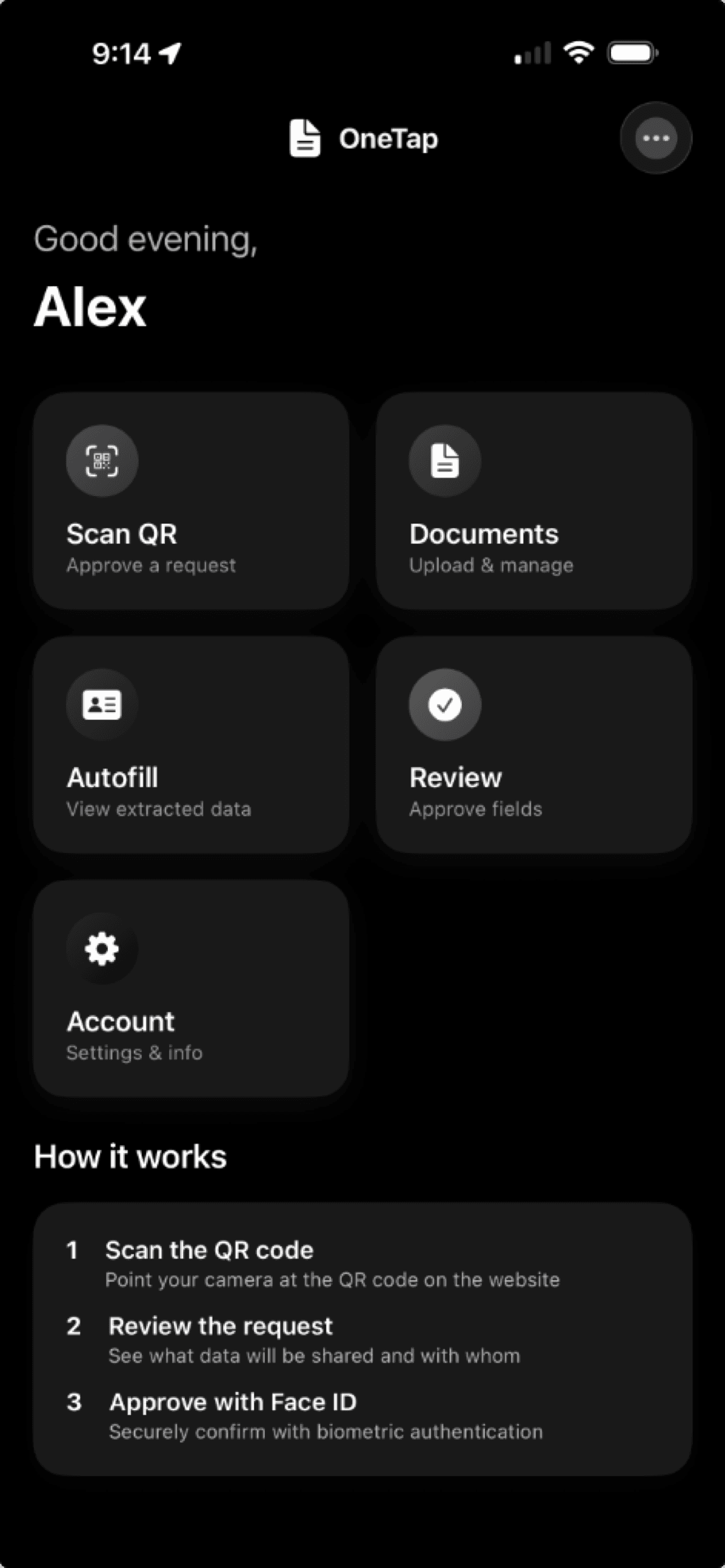
Everything you need to know about setting up and using OneTapForms.
Browser Extension
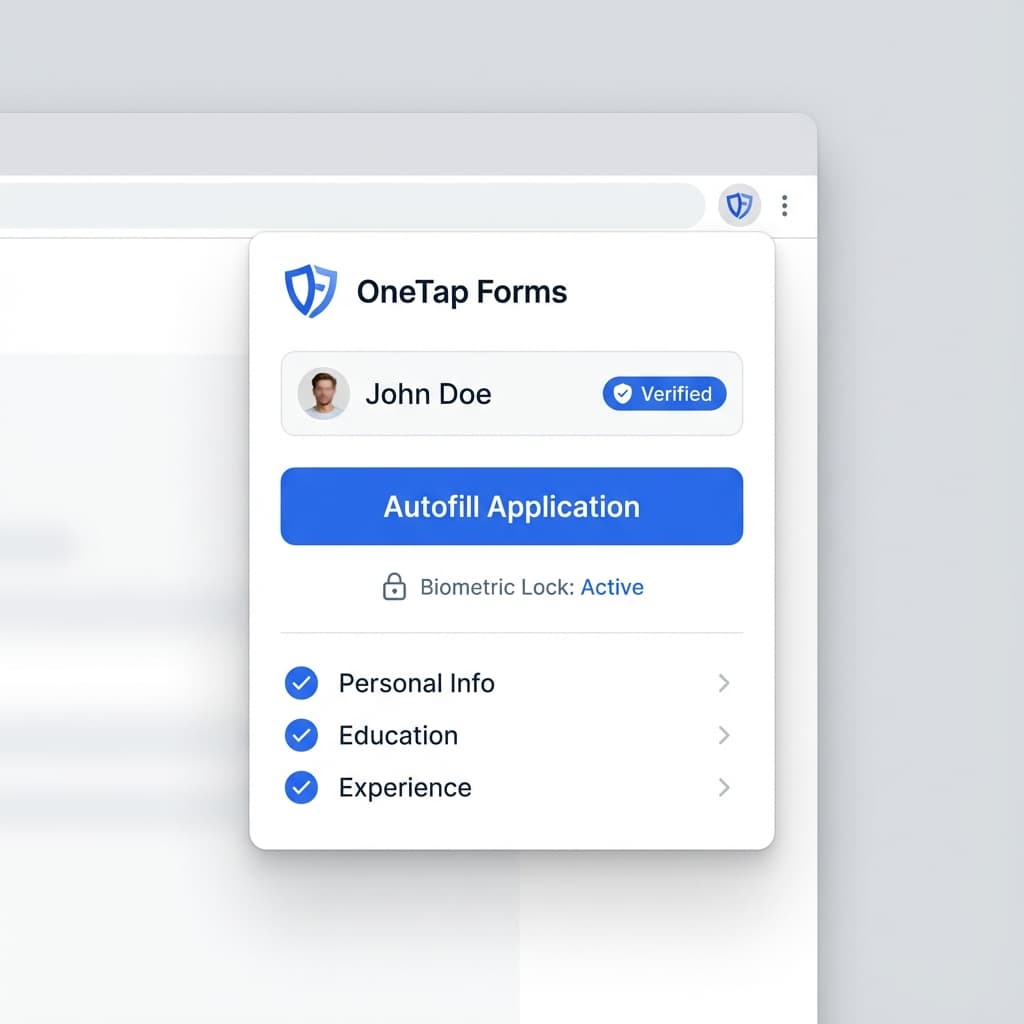
OneTap Autofill for Chrome
The easiest way to use OneTapForms. Our Chrome extension identifies compatible forms and lets you fill them with a single click—verified by your biometrics.
How to use:
- 1
Install the extension
Add the extension to your browser from the Chrome Web Store.
- 2
Visit a supported site
Look for the OneTap icon in form fields or click the extension icon.
- 3
Authenticate & Fill
Use your device biometrics (FaceID/TouchID) to decrypt and autofill your data instantly.